![logo_horizontal_negative_v2_help_center-3.png]](https://help.doinn.co/hs-fs/hubfs/logo_horizontal_negative_v2_help_center-3.png?width=140&height=63&name=logo_horizontal_negative_v2_help_center-3.png)
Follow the steps to integrate Hostfully!
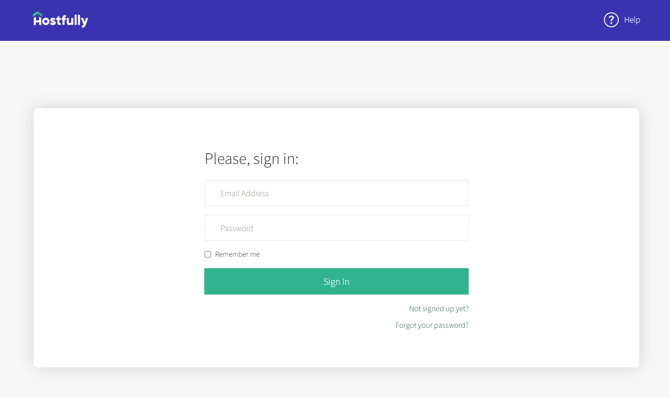
1 - Log in to your Hostfully account
Go to https://sandbox.hostfully.com/app/#/login and sign in on your Hostfully account.
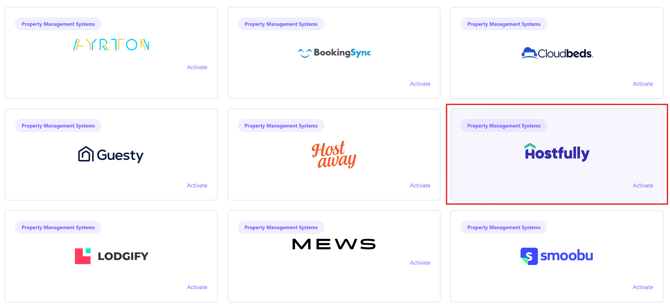
2 - Log in into your Doinn account and go to Integrations centre
- Go to Integrations centre: https://app.doinn.co/integrations/catalog
- Find the Hostfully integration and click "Activate"
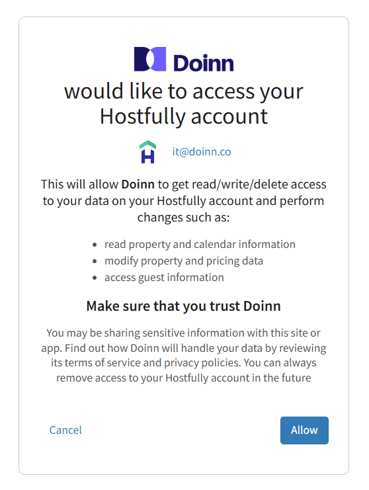
3 - Click allow on the Hostfully alert
This will allow Doinn to access the Hostfully data.
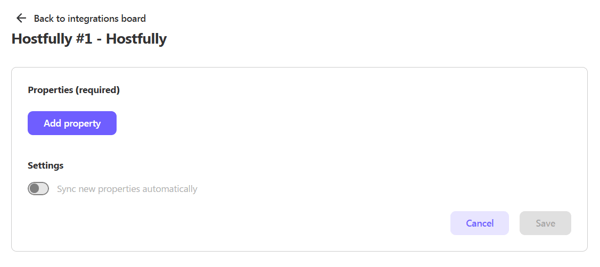
4 - Select the properties
-
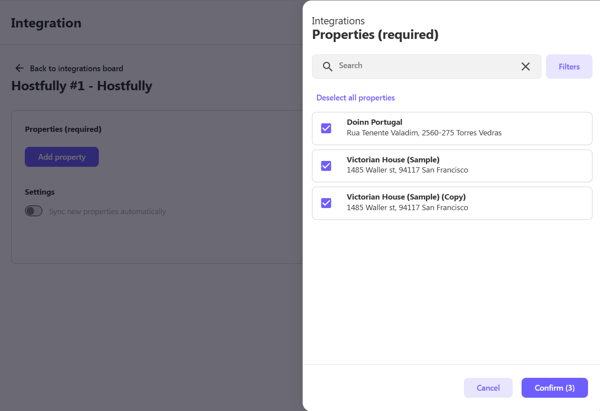
Click on "Add property" to open the window with your Hostfully properties.
- Select the properties whose reservations you want to synchronize with Doinn and click the "Confirm" button.
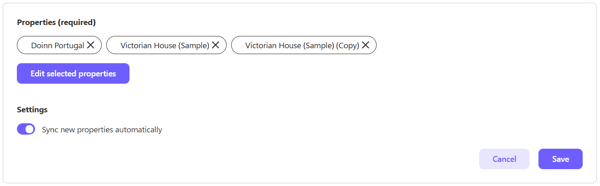
- If you want Doinn to automatically sync each new property that you add in Hostfully, activate the option "Sync new properties automatically".
- Click "Save" for the integration to activate.
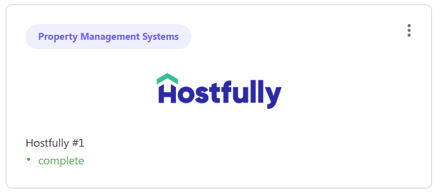
5 - Now you will see the Hostfully activated in My integrations:
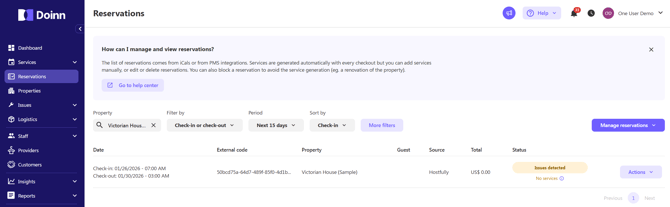
In a few minutes we will receive all reservations:
6 - Define the services to automate with correct price and duration - for Saas user
To generate the services required for your reservations, your properties need to be associated to the corresponding service catalogue
In the section "Catalogues" click on “New Catalogue”.
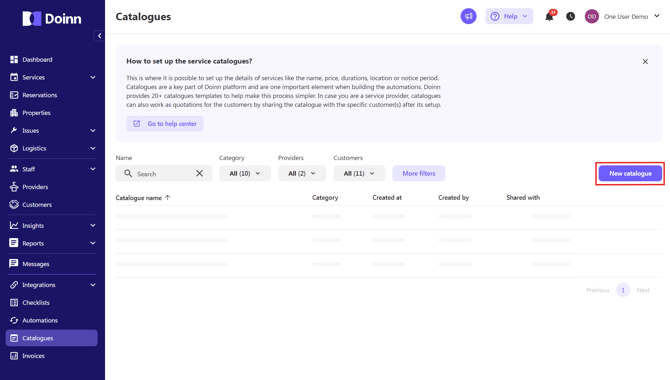
You have following options:
- Catering
- Check-in/out
- Cleaning
- Cleaning+Laundry
- Cleaning+Laundry+Supply (Consumables)
- Delivery
- Inspection
- Laundry
- Laundry + Inspection
- Maintenance
- Management
- Supply (Consumables)
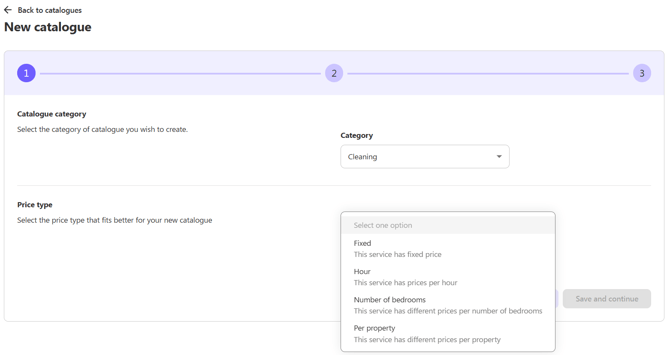
As example, if you select Cleaning you then have the following options for the price type:
- Fixed
- Per hour
- Per number of bedrooms
- Per property
For the duration you have the following options:
- Custom duration
- Not applicable
Follow the steps and put the prices in the end and save the catalogue.
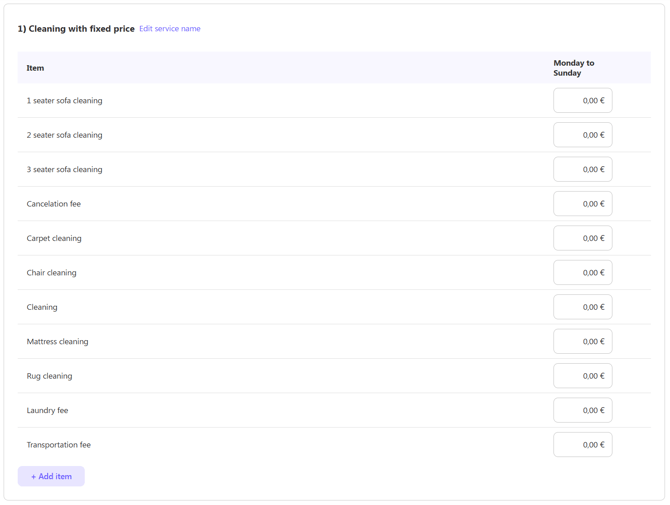
If you prefer a different name, you can update the service name that the catalogue will create by clicking on “Edit service name”.
7 - Automate services with powerful Doinn scheduling tool
Finally you are ready to create the scheduling automations based on recurrent dates or reservations from Hostfully.
Doinn has the most complete scheduling automations in the market. At the moment it is possible to create services based on reservations length, reservations number of guests, distance from previous reservation, distance to next reservation. Moreover you can use tags such as “Clean Not Required” and decide complex combinations of services during the reservations itself.
-
In the "Automations" section, click on "New automation".
- In the final step, you can define the scheduling rules that determine when services are automatically generated.
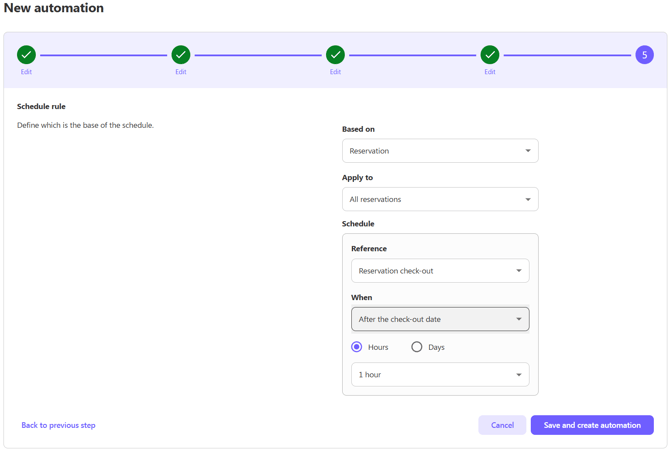
That's it! Ready to simplify your property operations and boost your housekeeping productivity? Request now a discovery demo with Doinn team using this meeting link
- If you have been invited by your Provider check this article Set up for Invited Customers
- If you want to use Doinn with your internal and external teams check this article Set up for Property Managers - I want to efficiently organize my teams or providers
- If you are looking for a Cleaning Company a Doinn agent will be happy to help. Send and email to hello@doinn.co