![logo_horizontal_negative_v2_help_center-3.png]](https://help.doinn.co/hs-fs/hubfs/logo_horizontal_negative_v2_help_center-3.png?width=140&height=63&name=logo_horizontal_negative_v2_help_center-3.png)
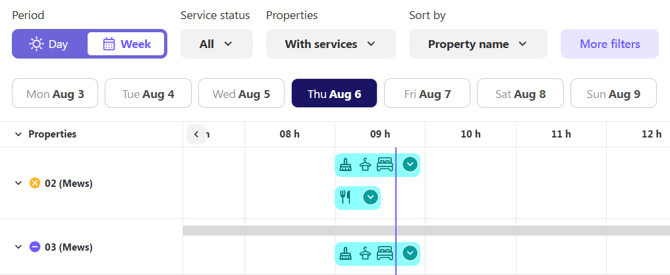
If you're viewing the calendar in the Weekly View, services are displayed on the left side of each day as a visual summary. In this view, services are not aligned with the timeline or with specific check-ins or check-outs.
This is expected behaviour and does not affect the service assignment. Even if a service appears disconnected from a reservation in the timeline, it can still be correctly linked to the corresponding booking.
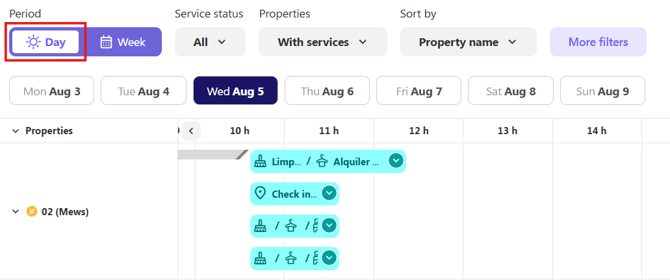
If you need to see services perfectly aligned with the timeline, switch to the Daily View. In this view, services are displayed according to their scheduled time and are visually aligned with check-ins, check-outs, and other calendar events, making it easier to understand the relationship between reservations and services.