![logo_horizontal_negative_v2_help_center-3.png]](https://help.doinn.co/hs-fs/hubfs/logo_horizontal_negative_v2_help_center-3.png?width=140&height=63&name=logo_horizontal_negative_v2_help_center-3.png)
Properties are added/removed from automations manually. If a property is missing from an automation, the customer can edit the automation and add the property.
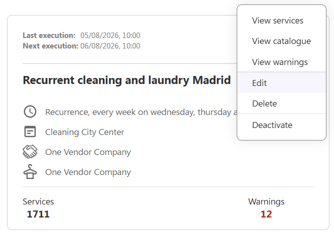
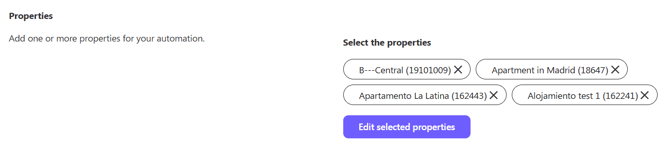
To add a property to an automation, the user can click the 3 dots menu of the automation, select "Edit" and then under "Properties" add the desired property.